
6 Bad Typing Habits To Avoid in 2024
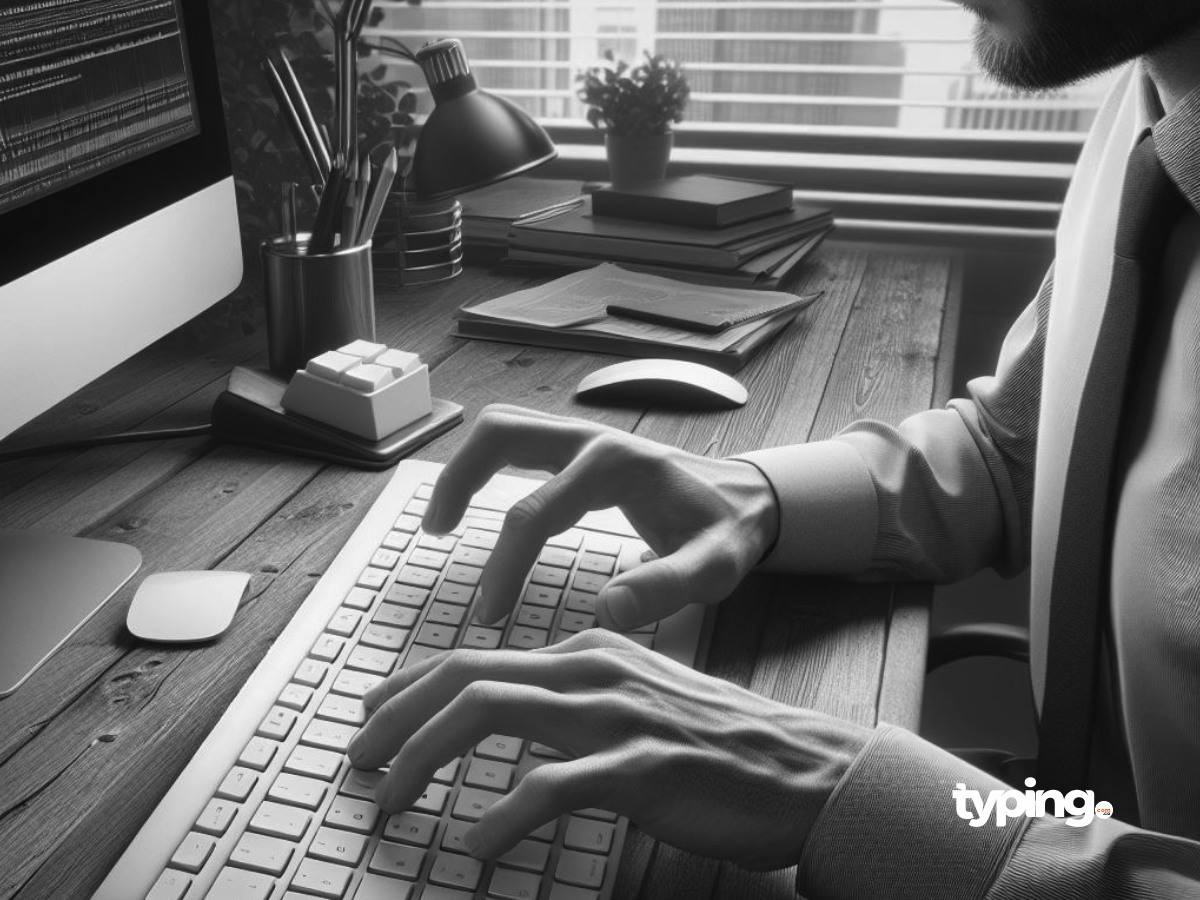
Here are six bad typing habits to avoid, ensuring your typing is as efficient, accurate, and pain-free as possible.
1. Ignoring Proper Typing Posture
The foundation of good typing begins with your posture. Incorrect posture, such as slouching or leaning too close to your monitor, can lead to discomfort and long-term health issues like neck, shoulder, and back pain. Additionally, resting your wrists on the edge of the desk or keyboard can increase the risk of nerve compression and repetitive strain injuries.
How to Avoid
Maintain an ergonomic workspace where your feet are flat on the ground, your back is straight, and your screen is at eye level. Keep your wrists floating above the keyboard to reduce strain. Typing.com.co offers tutorials and tips on maintaining the ideal typing posture to keep those aches and pains at bay.
2. Hunt-and-Peck Typing
The hunt-and-peck method, where you type with just one or two fingers while constantly looking down at the keyboard, is incredibly inefficient. It not only slows you down but also increases your error rate because it doesn’t allow you to develop muscle memory for the keys.
How to Avoid
Embrace touch typing, where each finger is assigned to a specific set of keys. Typing.com.co provides a step-by-step guide to mastering touch typing, from the basics to advanced techniques, helping you type more efficiently without looking at the keyboard.
3. Neglecting to Practice Regularly
Like any skill, typing proficiency requires regular practice. Failing to practice consistently can stagnate your progress, making it difficult to improve speed and accuracy.
How to Avoid
Dedicate time each day to practice typing. Typing.com.co offers a wide array of engaging exercises, games, and tests tailored to improve your typing skills progressively. Regular practice sessions on our platform can transform your typing habits, ensuring steady improvement.
4. Ignoring Typing Errors
Repeatedly ignoring mistakes and not correcting them immediately can reinforce bad habits, making errors more common and harder to unlearn over time.
How to Avoid
Use typing tools that highlight errors and encourage immediate correction. Typing.com.co’s training modules are designed to point out mistakes as they happen, encouraging you to correct them instantly. This immediate feedback helps in learning the correct keystrokes, gradually reducing the error rate.
5. Overlooking the Importance of Breaks
Typing for extended periods without taking breaks can strain your eyes, wrists, and fingers, leading to decreased productivity and potential health issues.
How to Avoid
Implement the 20-20-20 rule; every 20 minutes, take a 20-second break and look at something 20 feet away. Additionally, take a 5-10 minute break every hour to stretch your hands and arms. Typing.com.co emphasizes the importance of breaks in its learning modules, encouraging healthy typing habits that prevent fatigue and strain.
6. Ignoring Keyboard Shortcuts
Failing to utilize keyboard shortcuts for common actions and commands is a missed opportunity for efficiency. Relying solely on mouse navigation or menu options can significantly slow down your workflow.
How to Avoid
Learn and incorporate keyboard shortcuts into your daily computer use. Typing.com.co includes training on essential shortcuts, helping you to perform tasks more quickly and reduce repetitive movements, thereby boosting your productivity and safeguarding your health.
Must-Know Shortcuts for Productivity
Some universal shortcuts every typist should know include ‘Ctrl + C’ (copy), ‘Ctrl + X’ (cut), ‘Ctrl + V’ (paste), ‘Ctrl + A’ (select all), and ‘Ctrl + Z’ (undo). Specific software often has a set of unique shortcuts that, once you master them, will significantly enhance your speed and ease of use.
Why Typing.com.co?
At typing.com.co, we understand the challenges that come with developing and maintaining efficient typing skills. Our platform is designed to address these challenges head-on, providing users with the tools, resources, and support they need to overcome bad habits and become proficient typists. With personalized lessons, real-time feedback, and ergonomic advice, typing.com.co is your ally in navigating the digital landscape of 2024 and beyond.
Conclusion
Bad typing habits can significantly impede your productivity and health, but recognizing and addressing them is the first step toward improvement. By adopting proper typing posture, embracing touch typing, practicing regularly, correcting errors immediately, and taking regular breaks, you can enhance your typing skills and overall well-being. With the support of typing.com.co, you’re not just avoiding bad habits; you’re investing in a skill that’s crucial in the digital age. Let 2024 be the year you transform your typing, one keystroke at a time.
[/dipl_faq_page_schema_item][dipl_faq_page_schema_item faq_question=”What are bad typing habits?” _builder_version=”4.25.1″ _module_preset=”default” question_heading_font=”–et_global_heading_font||||||||” question_heading_text_color=”#565656″ answer_text_font=”–et_global_body_font||||||||” answer_text_text_color=”#0a0a0a” global_colors_info=”{}”]Bad typing habits include using the hunt-and-peck method, ignoring proper posture, not practicing regularly, neglecting to correct typing errors immediately, and overlooking the use of keyboard shortcuts.
[/dipl_faq_page_schema_item][dipl_faq_page_schema_item faq_question=”How do I change my bad typing habits?” _builder_version=”4.25.1″ _module_preset=”default” question_heading_font=”–et_global_heading_font||||||||” question_heading_text_color=”#565656″ answer_text_font=”–et_global_body_font||||||||” answer_text_text_color=”#0a0a0a” global_colors_info=”{}”]To change your bad typing habits, you can practice regularly with typing software like typing.com.co, focus on maintaining proper ergonomic posture, learn to touch type if you haven’t already, and make an effort to incorporate keyboard shortcuts into your daily computer use.
[/dipl_faq_page_schema_item][dipl_faq_page_schema_item faq_question=”Why should poor keyboarding techniques be avoided?” _builder_version=”4.25.1″ _module_preset=”default” question_heading_font=”–et_global_heading_font||||||||” question_heading_text_color=”#565656″ answer_text_font=”–et_global_body_font||||||||” answer_text_text_color=”#0a0a0a” global_colors_info=”{}”]Poor keyboarding techniques should be avoided because they can lead to decreased typing speed and accuracy, increased risk of repetitive strain injuries, and overall inefficiency in completing digital tasks.
[/dipl_faq_page_schema_item][dipl_faq_page_schema_item faq_question=”How do you avoid mistakes in typewriting?” _builder_version=”4.25.1″ _module_preset=”default” question_heading_font=”–et_global_heading_font||||||||” question_heading_text_color=”#565656″ answer_text_font=”–et_global_body_font||||||||” answer_text_text_color=”#0a0a0a” global_colors_info=”{}”]To avoid mistakes in typewriting, it’s important to practice regularly, prioritize accuracy over speed, utilize spell check and typing tools that offer real-time feedback, and learn and apply proper typing techniques.
[/dipl_faq_page_schema_item][dipl_faq_page_schema_item faq_question=”What affects typing?” _builder_version=”4.25.1″ _module_preset=”default” question_heading_font=”–et_global_heading_font||||||||” question_heading_text_color=”#565656″ answer_text_font=”–et_global_body_font||||||||” answer_text_text_color=”#0a0a0a” global_colors_info=”{}”]Typing can be affected by various factors including the typing method used, posture, frequency of practice, the layout of the keyboard, ergonomic setup of the workstation, and individual finger dexterity and coordination.
[/dipl_faq_page_schema_item][dipl_faq_page_schema_item faq_question=”How can I improve my typing?” _builder_version=”4.25.1″ _module_preset=”default” question_heading_font=”–et_global_heading_font||||||||” question_heading_text_color=”#565656″ answer_text_font=”–et_global_body_font||||||||” answer_text_text_color=”#0a0a0a” global_colors_info=”{}”]You can improve your typing by practicing regularly with a focus on touch typing, maintaining an ergonomic posture, setting achievable typing goals, engaging in typing games and exercises for improvement, and monitoring your progress with typing tests.
[/dipl_faq_page_schema_item][dipl_faq_page_schema_item faq_question=”What are the three benefits of typing?” _builder_version=”4.25.1″ _module_preset=”default” question_heading_font=”–et_global_heading_font||||||||” question_heading_text_color=”#565656″ answer_text_font=”–et_global_body_font||||||||” answer_text_text_color=”#0a0a0a” global_colors_info=”{}”]Three benefits of typing include increased productivity and efficiency, improved accuracy and quality of work, and enhanced digital literacy, which can open up more professional opportunities.
[/dipl_faq_page_schema_item][dipl_faq_page_schema_item faq_question=”What is considered a poor typing speed?” _builder_version=”4.25.1″ _module_preset=”default” question_heading_font=”–et_global_heading_font||||||||” question_heading_text_color=”#565656″ answer_text_font=”–et_global_body_font||||||||” answer_text_text_color=”#0a0a0a” global_colors_info=”{}”]A typing speed of less than 40 words per minute (WPM) is generally considered below average for most professional and educational settings.
[/dipl_faq_page_schema_item][/dipl_faq_page_schema]